1Upload your image
Choose a JPG, PNG, or WebP image. On desktop, you can also drag and drop your photo into the upload area.
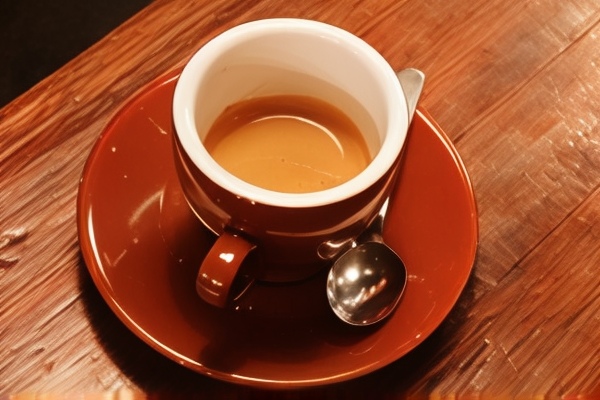
Give your favorite images a clearer, bigger picture. Enhance photos with AI, upscale to 2× or 4×, and download your result for free.
By uploading an image, you agree
to our Terms and Privacy Policy.
You can reload this page and we’ll restore your progress.
Download your result within 24 hours. Larger exports may include interpolation; AI detail can vary.
Choose a JPG, PNG, or WebP image. On desktop, you can also drag and drop your photo into the upload area.
Pick the size that fits your project. Keep your full image and its original proportions.
Your image joins the processing queue. Follow its progress, then move the slider to compare before and after.
Save your result as a PNG, free of watermarks. It’s ready for your next post, presentation, or personal project.
Explore real results across portraits, product photos, and everyday textures.
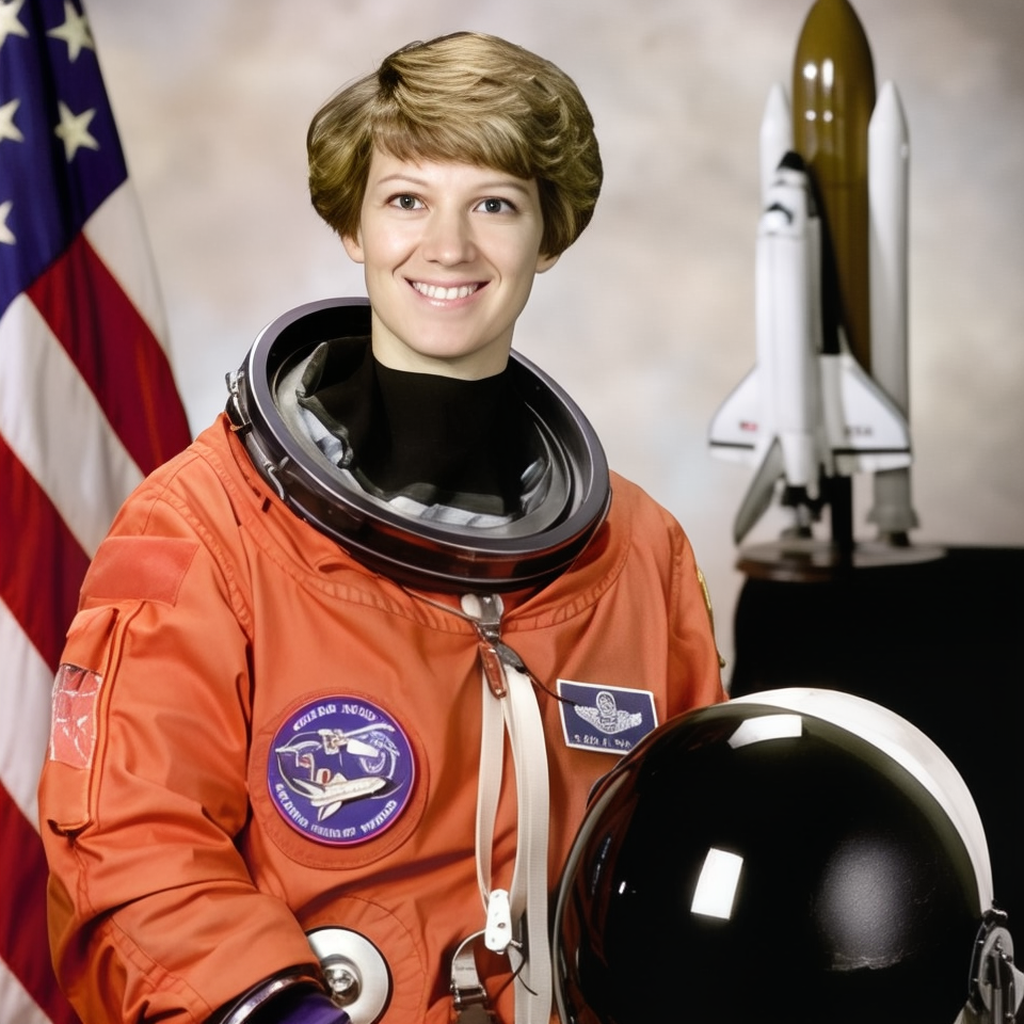
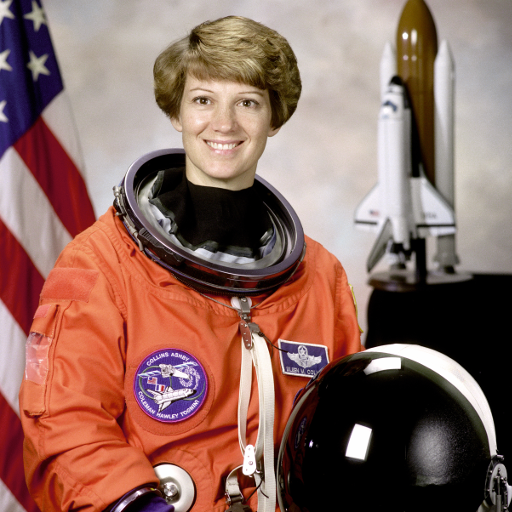
A closer look at portrait details, with the entire original image preserved.
See all five tested examples & image creditsYour uploads and results are accessible through your browser’s private session.
Make room for more possibilities with a larger image, up to 4096 pixels per side.
Rebuild textures and refine your photos. Preview the real result before saving.
No account to create and no watermark added to your download.
Bring out the texture in a favorite photo, give a product image more room, or make that small picture easier to use. FreeAIUpscaler uses AI to rebuild detail while keeping the whole composition.
Upload your image, choose your scale, and let the upscaler do its work. No software to install and no editing skills required.
Try it with your photo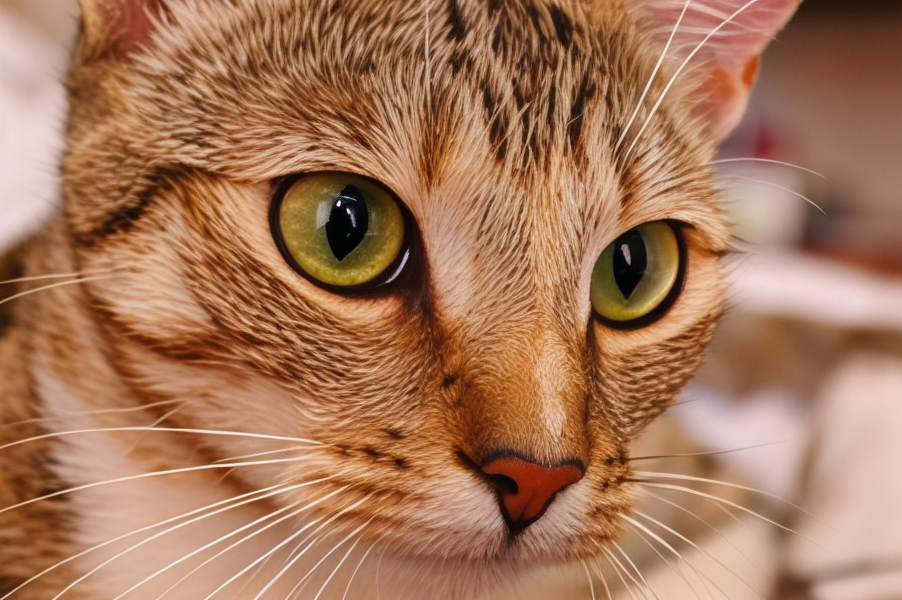 REAL 2× OUTPUT
Choose 2× for everyday sharing or 4× when you need a larger canvas. We preserve your image’s proportions and export a PNG you can use in your next project.
Output is capped at 4096 pixels per side and 16 megapixels. Large images are processed on a smaller AI canvas, so larger exports can include interpolation.
Take a closer look at the resultsNO WATERMARKEvery example on this page is an actual output from our upscaler. Drag the comparison slider, look at the finer details, and download the original and result to judge for yourself.
AI estimates new detail, so results depend on the image. Faces, tiny text, and fine patterns may change. Keep your original photo and choose the result that works for you.
Explore the before & after THE FULL PICTURE, PRESERVED
An AI image upscaler creates a larger version of an image and estimates additional visual detail. FreeAIUpscaler lets you choose 2× or 4× output and compare the result with your original.
Upload a JPG, PNG, or WebP photo, choose 2× or 4×, and select “Upscale image.” When processing finishes, move the comparison slider and download your PNG.
Yes. You can upload, process, and download images without an account or watermark. Fair-use limits apply to keep the shared service available: one active job per browser session and a limited number of jobs per network each hour.
We support static JPG, PNG, and WebP files up to 20 MB and 24 megapixels. Animated images are not supported. Results are downloaded as PNG files.
Outputs can be up to 4096 pixels on either side, with a maximum of 16 megapixels. The exact dimensions depend on your original, the scale you select, and these limits. The AI working canvas is capped at 960 × 1280 pixels (or the rotated equivalent); larger exports use interpolation.
This service processes images one at a time on a shared CPU. Small images can take a few minutes, and larger images or a busy queue can take longer. The progress panel shows your place in the queue and the processing stage. Reloading the page restores your latest job in the same browser session.
No. AI reconstructs likely details; it cannot recover information that was never in the original. Text, faces, and fine patterns can be altered. Compare the result and keep your original. This service does not include a separate face-restoration or text-preservation pipeline.
Photos are processed on our server and protected by your browser’s session cookie. Other sessions cannot retrieve your jobs. Completed and failed jobs are scheduled for removal after 24 hours; cleanup runs periodically. Download your results promptly. Read our Privacy Policy for details.
You retain responsibility for the images you upload and how you use the results. Only upload images you own or have permission to process. Upscaling does not grant rights to the original image or remove existing restrictions.
Yes. Use this website in your phone’s browser, choose a supported photo from your device, and download the result. No separate app is required.
Give your next photo a little more room to shine.
Upscale image